
Area of Parallelogram Using Vectors Calculator
This calculator finds the area of a parallelogram formed by two vectors using vector cross-product formulas in 2D and 3D.
Vector A
Vector B
Formula:
2D Area = |Ax × By − Ay × Bx|
3D Area = |A × B| = √[(AyBz − AzBy)² + (AzBx − AxBz)² + (AxBy − AyBx)²]
In geometry, a parallelogram is a four‑sided shape where opposite sides are parallel and equal in length. Usually, we find its area using base and height. But when shapes are described using vectors, a different and more powerful method is used.
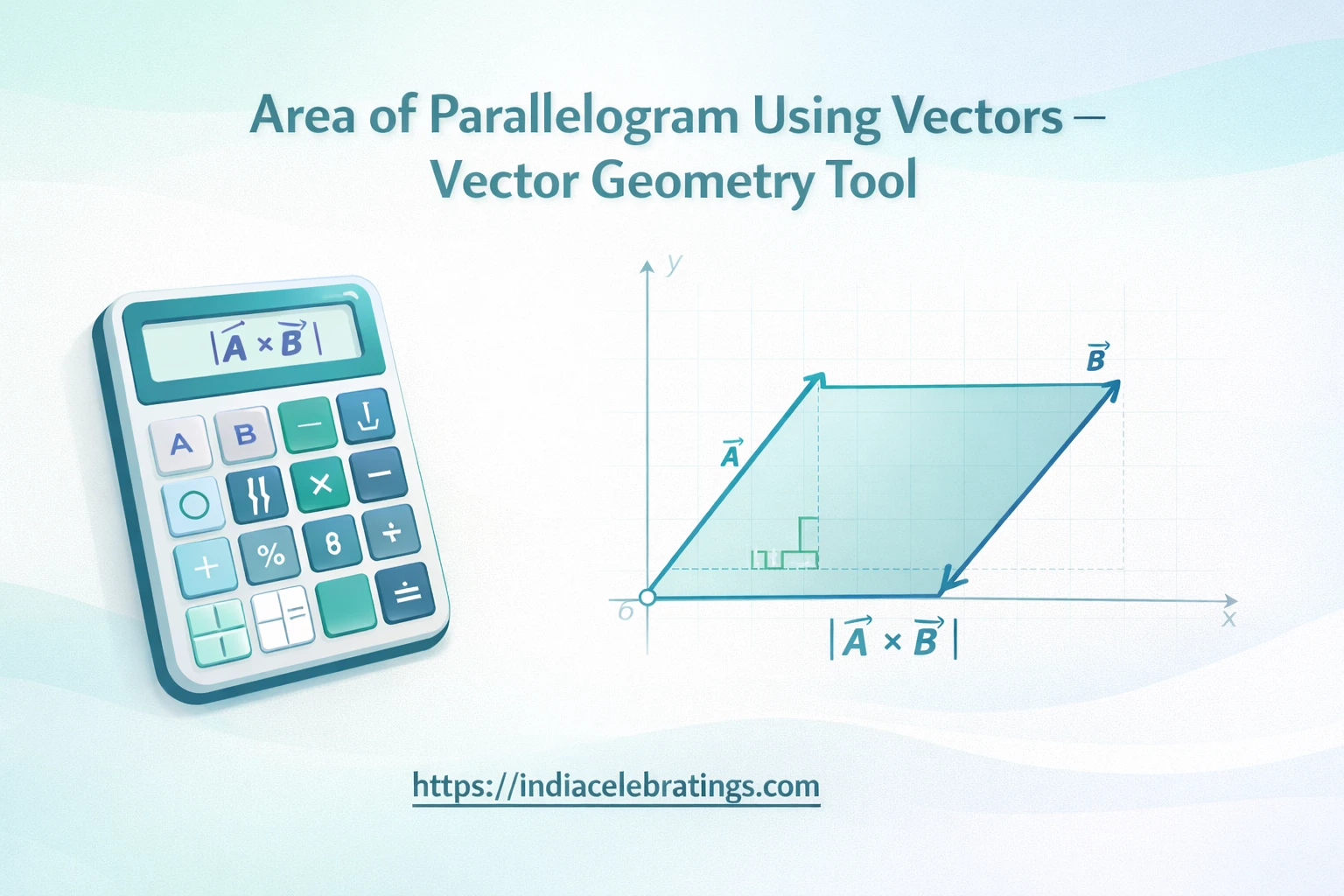
When two vectors start from the same point, they form a parallelogram. The area of that parallelogram can be calculated using the cross product of the vectors. This method is widely used in mathematics, physics, engineering, and computer graphics.
The Area of Parallelogram Using Vectors Calculator helps you find this area quickly without doing long vector calculations by hand.
What the Calculator Is
A Vector Geometry Area Tool
This calculator finds the area of a parallelogram formed by two vectors. The vectors can be in:
- 2D space (x, y)
- 3D space (x, y, z)
You only need to enter the components of both vectors. The calculator then applies the cross‑product formula and gives you the area instantly.
Why Vector Area Matters
Vector‑based area is important in:
- Physics (force and work)
- Engineering mechanics
- Linear algebra
- Computer graphics
- Motion and direction analysis
It helps measure the space formed by directional quantities.
How the Calculator Works
Step 1: Enter Vector A
Input the components of the first vector, such as:
A = (Ax, Ay) or A = (Ax, Ay, Az)
Step 2: Enter Vector B
Input the components of the second vector:
B = (Bx, By) or B = (Bx, By, Bz)
Step 3: Click Calculate
The calculator computes the cross product of the vectors.
Step 4: Get the Area
The magnitude of the cross product gives the parallelogram area.
Key Formulas Used
General Vector Formula
Area = |A × B|
2D Vector Formula
Area = |Ax × By − Ay × Bx|
3D Vector Formula
A × B = (Ay × Bz − Az × By, Az × Bx − Ax × Bz, Ax × By − Ay × Bx)
Area = √((Ay×Bz−Az×By)² + (Az×Bx−Ax×Bz)² + (Ax×By−Ay×Bx)²)
These formulas calculate the space enclosed by the two vectors.
Step‑by‑Step Examples
Example 1: 2D Vectors
Given:
A = (3, 2) B = (1, 4)
Step 1: Apply the formula
Area = |3 × 4 − 2 × 1|
Area = |12 − 2| = 10
Result:
The area is 10 square units.
Example 2: 3D Vectors
Given:
A = (2, 1, 3) B = (1, 4, 2)
Cross product:
A × B = (1×2 − 3×4, 3×1 − 2×2, 2×4 − 1×1)
A × B = (2 − 12, 3 − 4, 8 − 1)
A × B = (−10, −1, 7)
Area = √(100 + 1 + 49)
Area ≈ 12.25
The area is 12.25 square units.
Features of the Calculator
Easy Vector Input
The calculator allows you to enter each vector component clearly. Each coordinate has its own input box, making it easy to avoid confusion between x, y, and z values.
Instant Results
Instead of doing long calculations, the calculator gives the area immediately. This saves time and reduces mistakes.
Supports 2D and 3D Vectors
You can use the calculator for both plane and space vectors. This makes it useful for school, college, and professional work.
High Accuracy
The tool uses the correct cross‑product formulas and magnitude calculations, ensuring reliable results.
Helpful for Learning
Students can use it to check homework answers and understand vector geometry better.
Useful for Technical Fields
Engineers, physicists, and programmers can use the calculator in real projects involving forces, motion, and 3D models.
Uses and Applications
Physics and Engineering
In physics, vectors represent forces and velocities. The parallelogram area helps measure how two forces interact. Engineers use this method to analyze loads, directions, and mechanical systems.
Linear Algebra and Mathematics
Students studying vectors and cross products use this calculator to verify answers and understand geometric meaning.
Computer Graphics and 3D Design
Vectors control object movement, lighting, and orientation in 3D software. The area formed by vectors helps in rendering and spatial analysis.
Robotics and Motion Planning
Robots move using vector directions. The parallelogram area helps engineers design accurate motion paths.
Data Visualization
Vector geometry is used to represent data direction and magnitude. The calculator helps visualize geometric relationships.
Helpful Tips
Enter Correct Values
Double‑check each vector component.
Use Consistent Units
Both vectors should use the same measurement unit.
Know the Dimension
Use 2D formulas for 2D vectors and 3D formulas for 3D vectors.
Keep Signs Correct
Positive and negative values affect the result.
Common Mistakes to Avoid
Mixing 2D and 3D Inputs
Do not mix 2D and 3D vectors.
Forgetting Absolute Value
Area must always be positive.
Confusing Dot Product with Cross Product
Only the cross product gives area.
Wrong Coordinates
Small errors change the area.
FAQs
What is a vector parallelogram?
It is the shape formed when two vectors start from the same point.
How is the area calculated?
By using the magnitude of the cross product.
Does this work for 3D vectors?
Yes, it supports both 2D and 3D.
Is this useful for students?
Yes, it helps in learning vector geometry.
Is the calculator accurate?
Yes, when correct values are entered.
Final Words
The Area of Parallelogram Using Vectors Calculator is a powerful and easy tool for finding vector‑based areas. It removes complex math steps and provides fast, accurate results.
Whether you are a student, engineer, or researcher, this calculator helps you understand vector geometry with confidence and clarity.