Composite Area Builder
Click a button below to start building.
Composite (or complex) area refers to the total area of a shape created by combining basic geometric figures—like rectangles, triangles, circles, and trapezoids. Calculating it involves breaking down the complex shape into these simpler parts, calculating their individual areas, and then adding or subtracting them as needed.
This “divide and conquer” method is standard in construction, flooring, and land surveying where perfect rectangles are rare.
Key Features of Our Builder Tool
- Modular Shape Builder: Add any combination of Rectangles, Triangles, Circles, Semicircles, and Trapezoids to your list.
- Add or Subtract: Unique “Equation Mode” lets you set shapes to “Add” (+ area) or “Subtract” (- area). This is perfect for calculating a room with pillars (subtract) or a deck with a cut-out.
- Live Total: The “Total Area” updates instantly as you tweak dimensions of any individual shape.
- Visual Cards: Each added shape gets its own control card with tailored inputs and a clear visual icon.
- Mobile Friendly: The specialized toolbar is designed for easy use on phones and tablets.
How to Use
1. Select a Shape: Click the buttons at the bottom (Rectangle, Triangle, etc.) to add a new shape card to your list.
2. Enter Dimensions: Fill in the required lengths, widths, or radii for that specific shape.
3. Choose Operation: By default, shapes are added (+). Click the minus (-) button on a shape card if you want to subtract its area (e.g., for a hole or cutout).
4. Build & Review: Continue adding shapes until your complex figure is complete. The big “Total Area” display shows the final net result.
Real-World Applications
- Flooring & Carpeting: Calculate the area of an L-shaped room, or a room with a bay window (Rect + Trapezoid).
- Landscaping: Determine sod needs for a yard with a garden bed in the middle (Total Yard – Garden Bed).
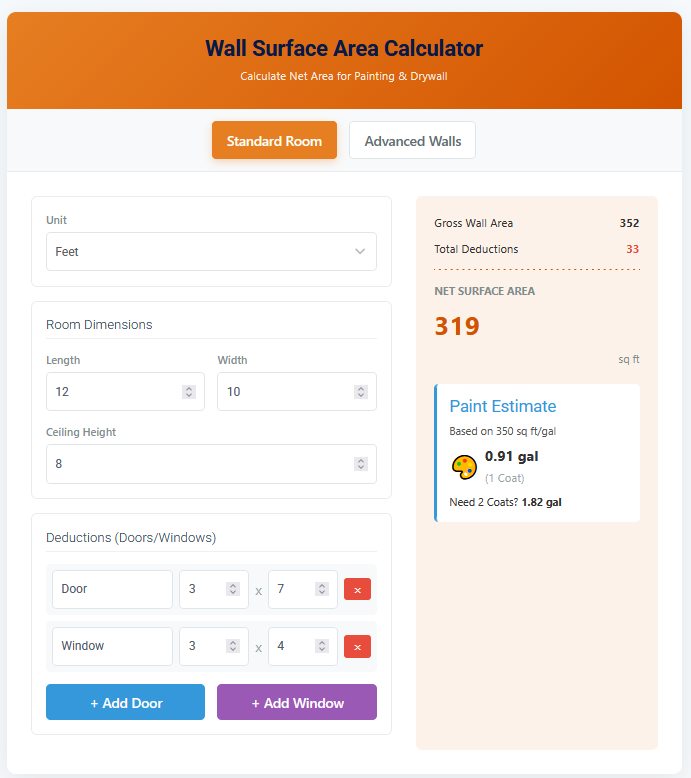
- Painting: Find wall surface area by adding wall rectangles and subtracting window/door rectangles.
- Architecture: Estimate floor plans by summing up individual room areas.
Formulas Used
The tool applies standard geometric formulas for each component:
- Rectangle: Area = Width × Height
- Triangle: Area = 0.5 × Base × Height
- Circle: Area = π × r²
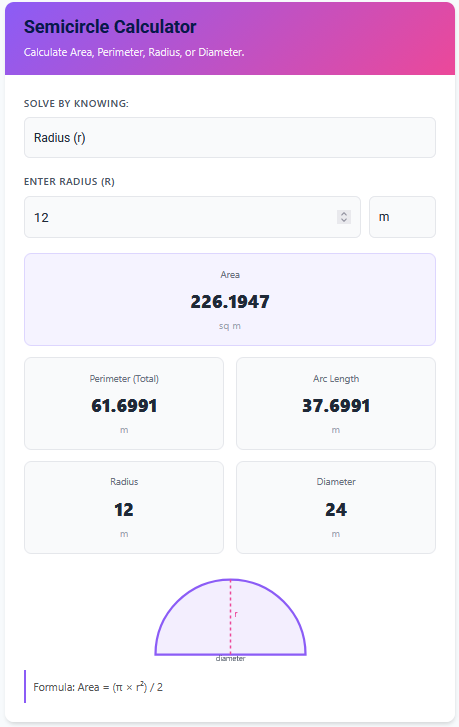
- Semicircle: Area = 0.5 × π × r²
- Trapezoid: Area = 0.5 × (Base1 + Base2) × Height
Total Composite Area = Σ(Areas to Add) – Σ(Areas to Subtract)
Tips for Success
- Decompose Wisely: Look at your complex shape and try to see the hidden rectangles and triangles. There is usually more than one way to break it down.
- Watch Units: Make sure all your measurements are in the same unit (e.g., feet) before entering them. The result will be in square units of that type (sq ft).
- Negative Space: Don’t forget to use the “Subtract” feature for islands, columns, or fixed furniture when calculating floor space.
Frequently Asked Questions (FAQs)
Can I rearrange the shapes?
The order of shapes allows for a logical “build,” but mathematically, the order doesn’t matter. Adding A then B is the same as Adding B then A.
What if I make a mistake?
Each shape card has a “Remove” (trash icon) button. You can delete any shape instantly without affecting the others.
Conclusion
The Composite Area Calculator replaces complex manual arithmetic with a simple building-block approach. By constructing your area shape-by-shape, you minimize error and handle even the most irregular floor plans with confidence.