Heron's Formula is a fundamental theorem in geometry that allows you to calculate the area of a triangle knowing only the lengths of its three sides: a, b, and c. Unlike the standard formula (½ × base × height), Heron’s method doesn't require you to calculate or measure the vertical height, which is often difficult to determine in real-world scenarios like land surveying or construction.
Named after Hero of Alexandria, a Greek mathematician and engineer, this formula uses the semi-perimeter (s) to find the exact area. It remains one of the most practical tools for solving geometry problems where angles and altitudes are unknown.
How This Calculator Works & Key Features
Our Triangle Area Calculator is built with advanced features to make calculations simple, accurate, and versatile for both students and professionals.
3-Side Input with Mixed Units: Enter lengths for sides a, b, and c using any combination of units—meters, centimeters, millimeters, kilometers, inches, feet, or yards. The calculator automatically handles the conversions.
Imperial 'Ft + In' Mode: Specifically designed for construction and carpentry, you can input dimensions in Feet and Inches (e.g., 5 ft 3 in) for each side directly, without converting to decimals first.
Real-Time Inequality Check: Not all 3 lines form a triangle. The tool instantly validates the 'Triangle Inequality Theorem' (a + b > c) and alerts you if the sides cannot connect physically.
Step-by-Step Breakdown: It doesn’t just show the result. It displays the full calculation process: calculating the semi-perimeter (s), the intermediate terms (s-a, s-b, s-c), and the final square root product, making it perfect for homework verification.
Advanced Geometry Insights: Beyond area, it identifies the triangle type (Equilateral, Isosceles, Scalene, or Right-Angled) and calculates the Inradius and Circumradius.
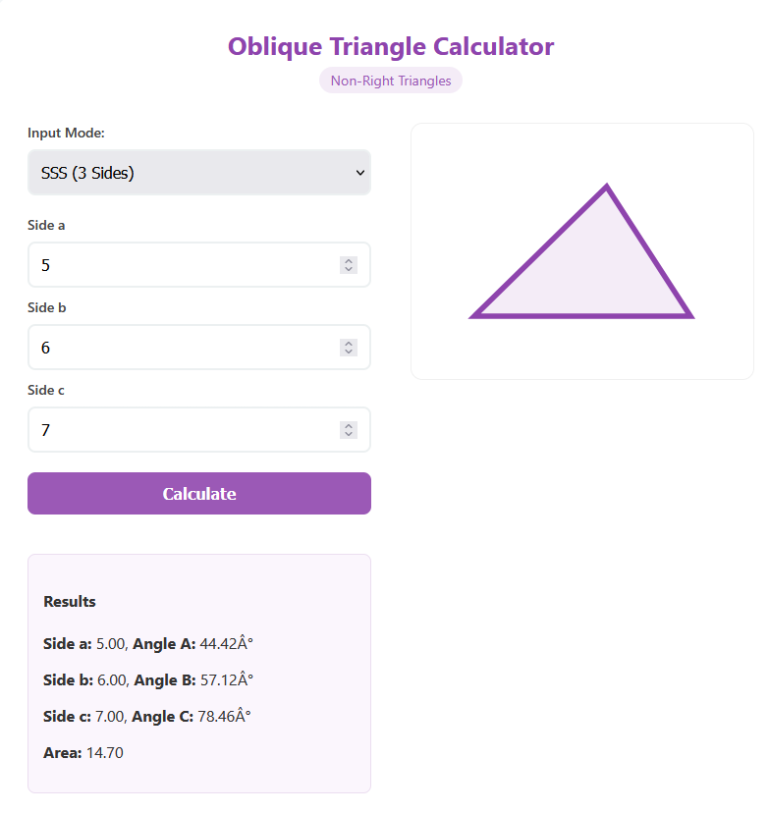
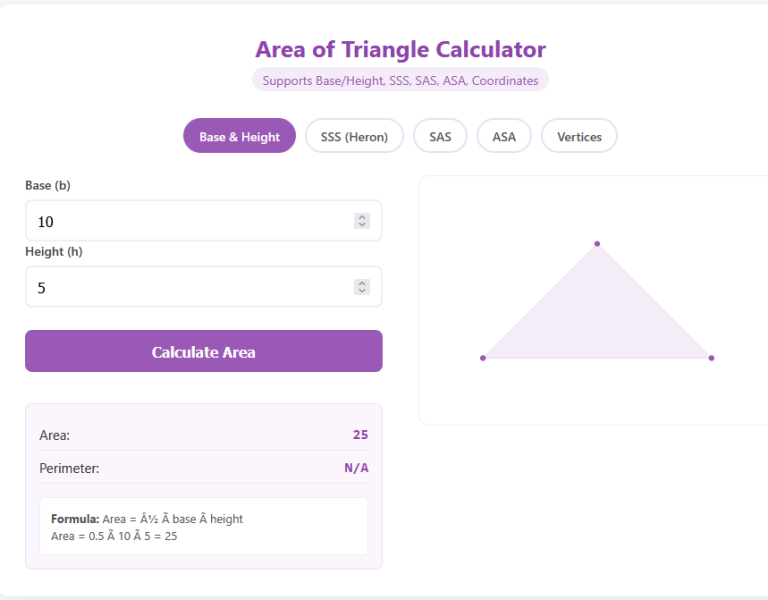
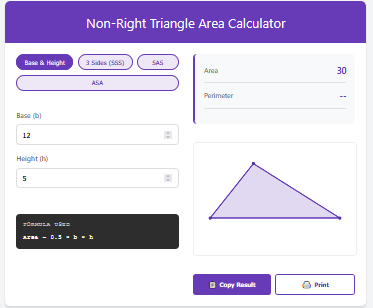
Interactive Visualization: A dynamic SVG preview draws your specific triangle to scale, helping you visualize the shape.
Sensitivity Chart: A unique 'Area vs Side' graph shows how changing one side length affects the total area, allowing for design optimization.
Common Uses of Heron’s Formula Calculation
Calculating area purely from side lengths has widespread applications across various industries:
- Land Surveying & Real Estate: Most land plots are irregular polygons. Surveyors divide these plots into smaller triangles (triangulation), measure the sides of each, and use Heron's formula to compute the total acreage or square footage accurately.
- Construction & Roofing: Carpenters use it to calculate the area of triangular roof gables, trusses, or floor sections to estimate materials like shingles, plywood, or tiles without needing to climb and measure vertical height.
- Fabrication & Design: For projects involving sails, tents, or custom furniture, knowing the exact material area needed from simple edge measurements prevents wastage.
- Gardening & Landscaping: Calculating fertilizer or sod requirements for triangular garden beds or corner plots is instant with just a measuring tape for the perimeter edges.
Tips for Accurate Calculation
To ensure you get the most precise results when using this tool:
- Measure precisely: Small errors in side length measurements can propagate to the area result. Use a laser measure for long distances.
- Check Units twice: Ensure you've selected the correct unit for each input (e.g., don't mix up cm and mm) or use the mixed-unit feature intentionally.
- Watch for Degenerate Triangles: If the sum of two sides equals the third (a + b = c), the area is zero (a flat line). The calculator will detect this, but be aware of it in physical layouts.
- Use the Breakdown: If your answer differs from a textbook, check the 'semi-perimeter' step to see if rounding differences occurred early in the manual math.
Frequently Asked Questions (FAQs)
Q: What is 's' in the formula?
A: The variable 's' stands for 'semi-perimeter'. It is exactly half of the triangle's total perimeter (s = (a + b + c) / 2). It's the core component of Heron's formula.
Q: Why am I getting an 'Invalid Triangle' error?
A: This happens because of the Triangle Inequality Theorem. For a triangle to close, the sum of any two sides must be strictly greater than the third side. If you have sides 2, 2, and 10, they can't touch; the calculator flags this.
Q: Can this calculate the area of a right-angled triangle?
A: Yes, absolutely. While the simple (base × height) / 2 formula is easier for right triangles, Heron's formula works perfectly for them too and will yield the same result.
Q: Does it support Acres and Hectares?
A: Yes. The result section provides alternative unit conversions, including acres and hectares, which is essential for land surveys.
Final Words
The Triangle Area Calculator with Heron’s Formula is the ultimate tool for solving geometry problems where altitude is elusive. Whether you are estimating land size, planning a build, or checking math homework, this specific calculator provides not just the answer, but the verification and visual understanding you need. With features like 'Ft + In' input and invalid geometry detection, it handles real-world complexity so you don't have to.