
Triangle Area Calculator (Using Coordinates)
Point A
Point B
Point C
Formula Used:
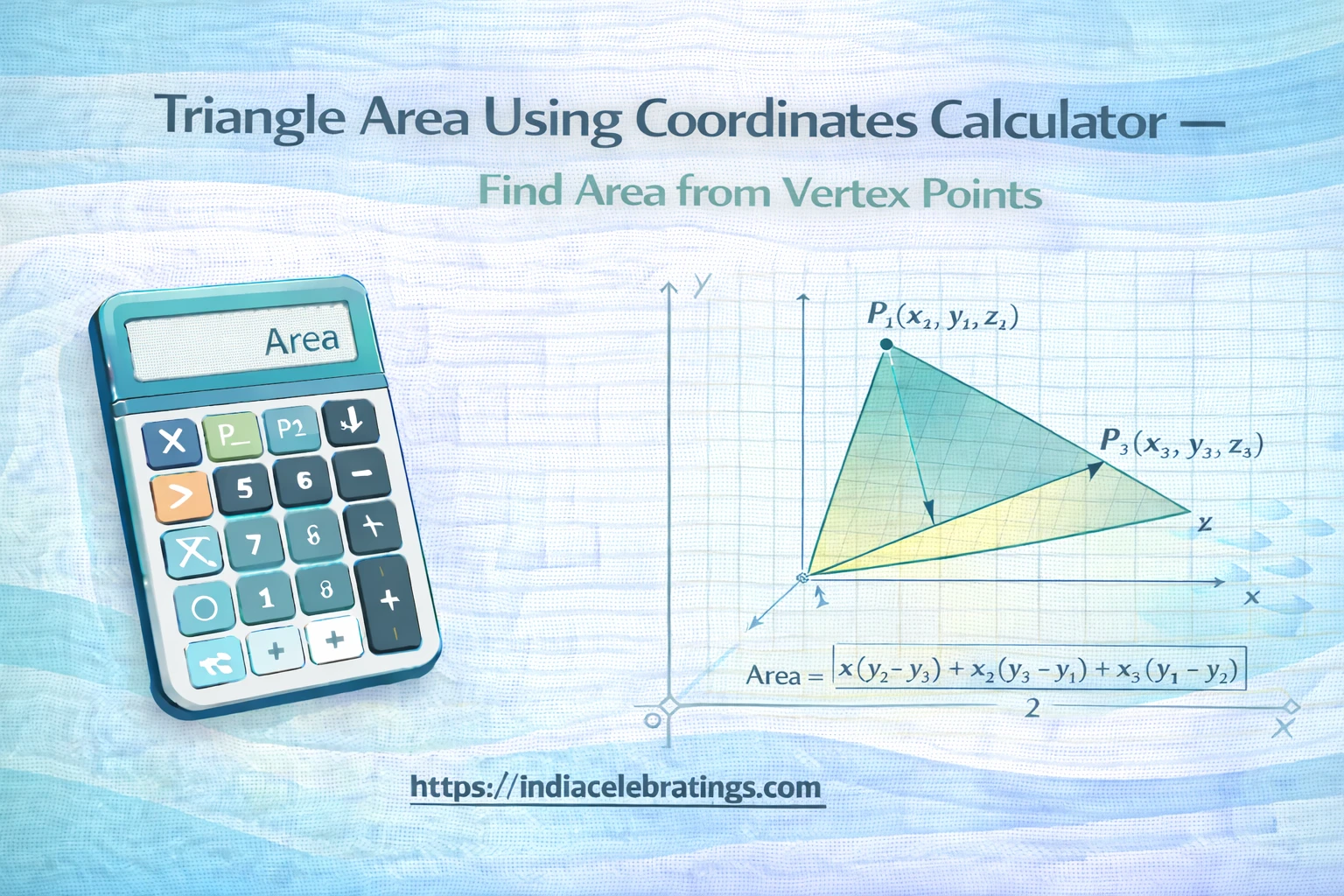
Area = ½ × |x₁(y₂ − y₃) + x₂(y₃ − y₁) + x₃(y₁ − y₂)|
In coordinate geometry, shapes are often defined using points on a graph instead of side lengths or angles. A triangle, for example, can be described by giving the coordinates of its three vertices.
While this method is very precise, calculating the area manually using coordinates can be confusing for many students and professionals.
A Triangle Area Using Coordinates Calculator makes this task simple. By entering the (x) and (y) values of the three points, the calculator automatically applies the correct mathematical formula and gives the area of the triangle instantly.
This tool is useful in mathematics, engineering, surveying, computer graphics, and GIS applications where shapes are defined by coordinates rather than measurements.
What Is a Triangle Area Using Coordinates Calculator?
A Triangle Area Using Coordinates Calculator is an online geometry tool that calculates the area of a triangle using the coordinates of its three vertices.
What Are Coordinates?
Coordinates represent the position of a point on a graph using two numbers:
(x) = horizontal position
(y) = vertical position
Each vertex of the triangle is written as ((x, y)).
What the Calculator Can Find
The calculator determines:
The area of the triangle
Whether the points form a valid triangle (not in a straight line)
The absolute area value (always positive)
It does not require side lengths, angles, or heights.
How the Calculator Works
The calculator uses a standard coordinate geometry method often called the shoelace formula or determinant formula.
Step 1: Enter the Coordinates
You enter three points:
Point A: ((x_1, y_1))
Point B: ((x_2, y_2))
Point C: ((x_3, y_3))
Step 2: Apply the Formula
The calculator substitutes the values into the formula.
Step 3: Take the Absolute Value
The result is made positive so the area is always non-negative.
Step 4: Display the Area
The final area is shown instantly.
Key Formulas Used in the Calculator
Triangle Area Using Coordinates (Shoelace Formula)
\text{Area} = \frac{1}{2} \left| x_1(y_2 - y_3) + x_2(y_3 - y_1) + x_3(y_1 - y_2) \right|This formula works for any triangle whose points are not in a straight line.
Step-by-Step Examples
Example 1: Simple Coordinates
Let the triangle’s vertices be:
A = (2, 3)
B = (6, 3)
C = (4, 7)
Substitute into the formula:
\text{Area} = \frac{1}{2} | 2(3 - 7) + 6(7 - 3) + 4(3 - 3) | \text{Area} = \frac{1}{2} | -8 + 24 + 0 | \text{Area} = \frac{1}{2} \times 16 = 8So, the triangle’s area is 8 square units.
Example 2: Irregular Triangle
Points:
A = (1, 2)
B = (5, 4)
C = (3, 8)
The calculator performs these steps automatically.
Features of the Triangle Area Using Coordinates Calculator
Only Requires Coordinates
No need for side lengths, angles, or heights.
Works for Any Triangle Shape
Acute, obtuse, or scalene triangles are all supported.
Instant Results
The area is calculated in seconds.
Error Checking
If the points lie on a straight line, the calculator shows zero area.
Simple and Clean Interface
Easy for students and professionals to use.
Uses and Applications of the Calculator
Mathematics Education
Students use this tool to understand coordinate geometry and verify homework answers.
Engineering and Design
Engineers use coordinate-based area calculations in structural and mechanical design.
Surveying and GIS
Land plots and map regions are often defined by coordinates. This calculator helps find areas accurately.
Computer Graphics
Triangle areas are used in rendering, modeling, and mesh calculations.
Tips to Avoid Common Mistakes
One common mistake is entering the coordinates in the wrong order. Always make sure that each point has its correct (x) and (y) values.
Another frequent error is forgetting to use the absolute value. The raw formula can give negative results depending on point order, but area must always be positive.
Some users enter three points that lie on a straight line. In this case, the area will be zero because no triangle is formed.
Rounding values too early can reduce accuracy. Keep full numbers until the final result.
Finally, make sure all coordinates are in the same unit system. Mixing units can lead to incorrect interpretations.
Frequently Asked Questions (FAQs)
What is the shoelace formula?
It is a method for finding the area of a polygon using its coordinates.
Does point order matter?
Only the sign changes. The calculator uses absolute value to ensure a positive area.
Can this work for 3D points?
This calculator is for 2D coordinates only.
Is this method accurate?
Yes, it is a standard mathematical formula.
What units does the area use?
Square units based on the coordinate units.
Final Words
The Triangle Area Using Coordinates Calculator is a fast and reliable tool for finding triangle areas from vertex points. It removes the need for complex manual calculations and ensures accurate results every time.
Whether you are studying geometry, working with maps, or designing structures, this calculator helps you compute triangle areas with confidence and ease.